

Location- Customiser > Template > Contact Form
Contact Form Overview
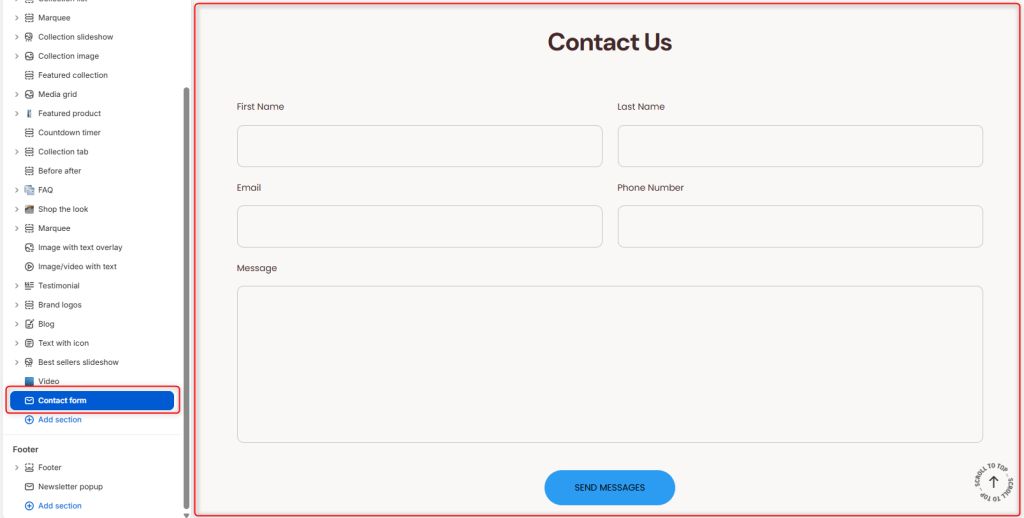
The contact us page allows you the customers to get in touch with you from your storefront by submitting inquiries, feedback, support requests, or general messages.
Contact Form Settings
General Settings
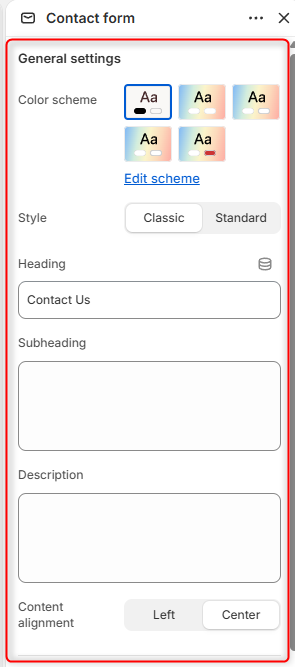
- Color Scheme- Enables you to edit and set the colour Scheme you want for the contact section
- Style- Here you can choose the layout style used for displaying the contact form.
- Heading- Add the main Title you desire to have for this section
- Subheading- Enables you to add a smaller heading above or below the main title.
- Description- Enables you to add text that provides additional information or instructions for customers before they submit the form.
- Content Alignment- Controls the alignment of the heading, subheading, and description.
Button
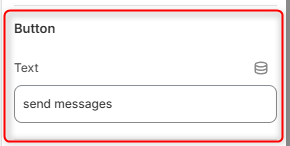
- Text- Set the text you want to show over the send button.
Spacing desktop
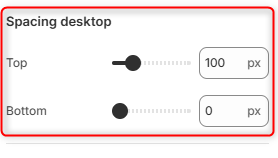
Top: Controls the amount of spacing above the Contact Form section on desktop devices.
Bottom: Adjusts the amount of spacing below the Contact Form section on desktop devices.
spacing mobile
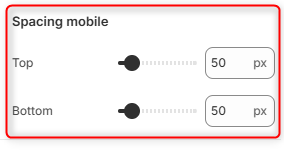
Top: Controls the amount of spacing above the Contact Form section on mobile devices.
Bottom: Adjusts the amount of spacing below the Contact Form section on mobile devices.