

Location- Customizer > 404 page > Template > Main 404
Main 404 Overview
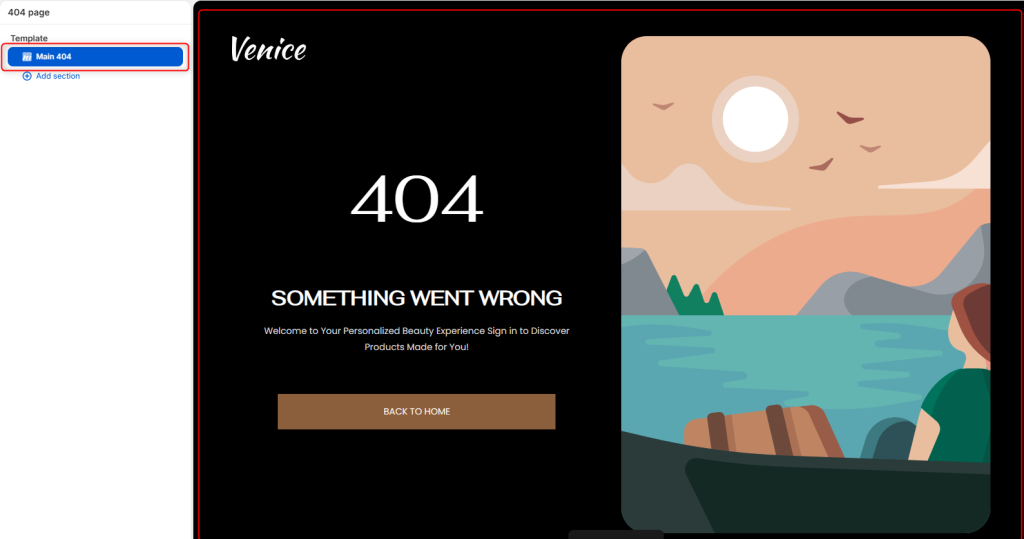
The Main 404 section controls the appearance of your store’s Page Not Found (404) screen. It allows you to customize the layout, branding, messaging, and imagery displayed when customers visit a page that no longer exists or cannot be found.
Section Setting
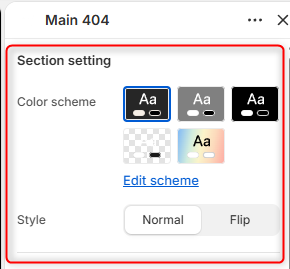
- Color Scheme: Allows you to edit and select the color scheme used throughout the 404 page.
- Style: Here you can choose the overall layout of the 404 page. Normal displays the content and image in the default arrangement whereas Flip reverses the layout by swapping the positions of the content and image areas.
Logo settings
Logo: Upload a custom logo to display on the 404 page.
Image
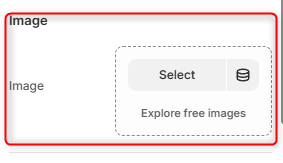
Image: Here you can upload the primary image displayed on the 404 page above the heading.
Box image
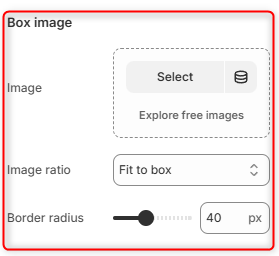
Image: Enables you to upload an image that appears within the image container or featured media area of the 404 layout.
Image Ratio: Controls how the Box Image is displayed within its container.
Border Radius: Controls the roundness of the Box image corners.
Heading
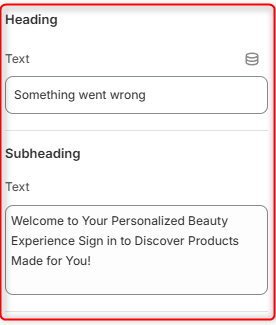
Text: Defines the primary message displayed on the 404 page.
Subheading: Adds supporting text beneath the heading.
Spacing desktop
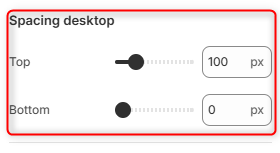
Top: Controls the spacing above the Main 404 section on desktop devices.
Bottom: Controls the spacing below the Main 404 section on desktop devices.
Spacing mobile
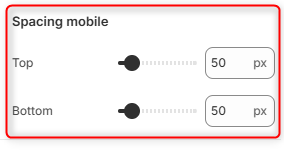
Top: Controls the spacing above the Main 404 section on mobile devices.
Bottom: Controls the spacing below the Main 404 section on mobile devices.