

Location- Customizer > Gift Card
Gift Card Overview
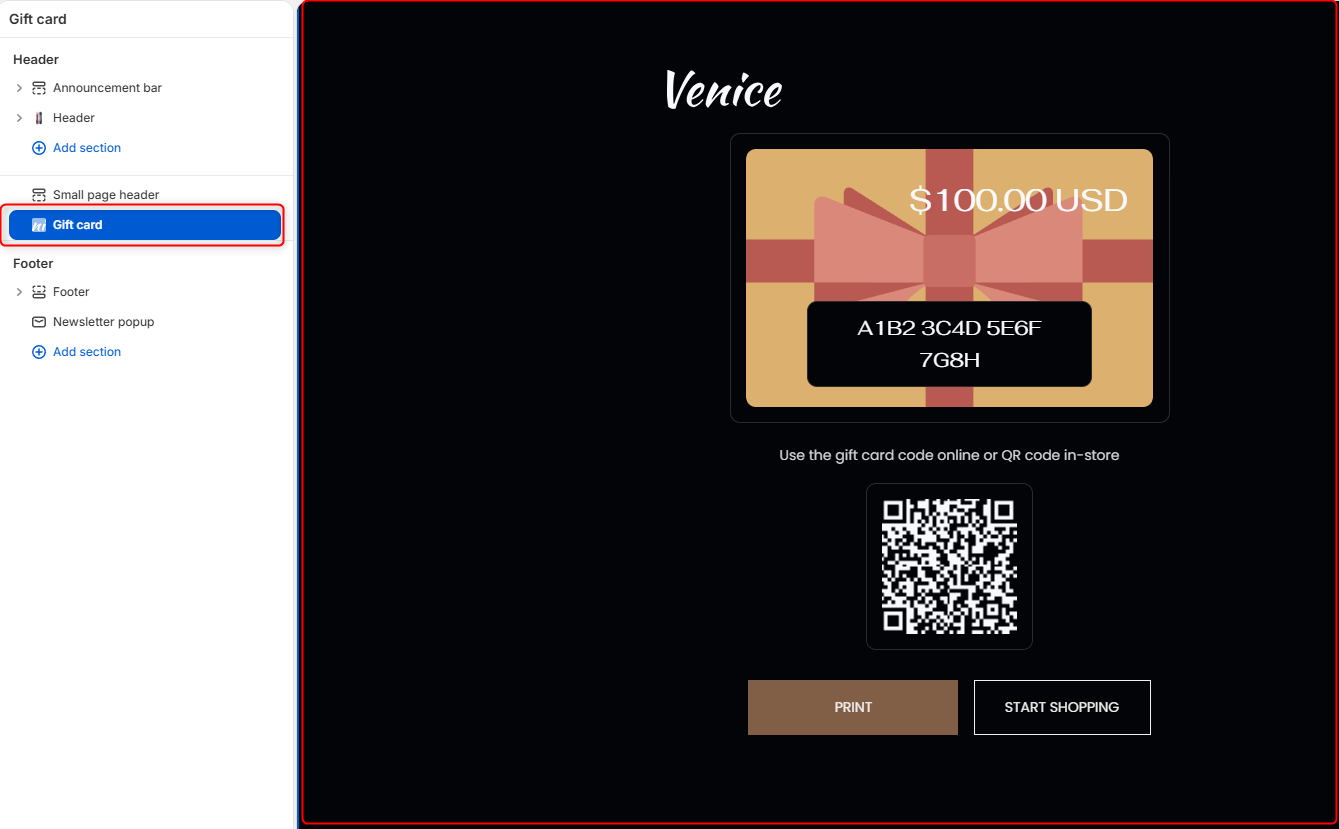
The Gift Card section controls the appearance of your store’s gift card page. It allows you to customize the branding, gift card imagery, logo sizing, and spacing displayed when customers view, print, or redeem a gift card.
Gift Card Section Settings
Section Setting
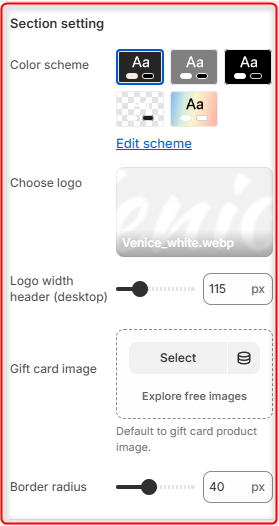
- Colour Scheme- Edit or select the desired colour scheme you want to reflect on the Gift card page
- Choose Logo- Select the logo of your company that will appear above the gift card.
- Logo Width Header (Desktop)- Controls the width of the logo displayed on desktop devices.
- Gift Card Image- Upload an image to use as the main image utilized for the gift card.
- Border radius: Controls the roundness of the Gift card container.
Spacing (desktop)
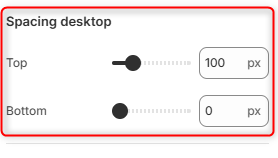
Top: Controls the amount of space above the Gift Card section on desktop devices.
Bottom: Controls the amount of space below the Gift Card section on desktop devices.
Spacing (mobile)
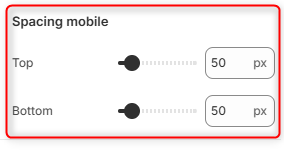
Top: Controls the amount of space above the Gift Card section on mobile devices.
Bottom: Controls the amount of space below the Gift Card section on mobile devices.