

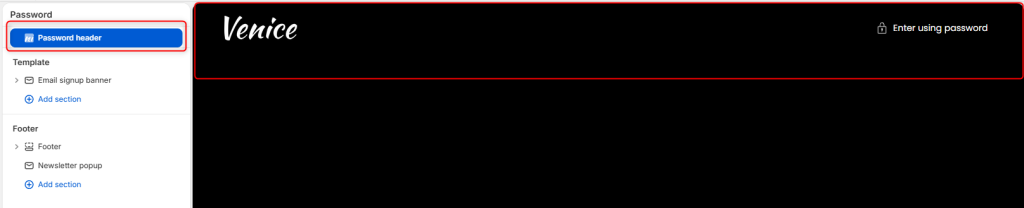
The Password Header section controls the header displayed on your storefront’s password-protected page. It allows you to customize the branding shown while your store is unavailable to the public.
Password header Settings
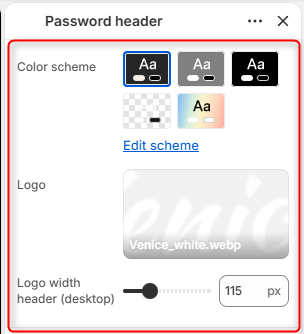
Color scheme: Here you can edit and choose the color scheme applied to the Password header.
Logo: Enables you to upload a custom logo to display on the Password header.
Logo width header (desktop): Controls the width of the logo displayed on desktop devices.