

Location- Customizer > Blogs > Default Blog > Blog Posts
Blog Posts Overview
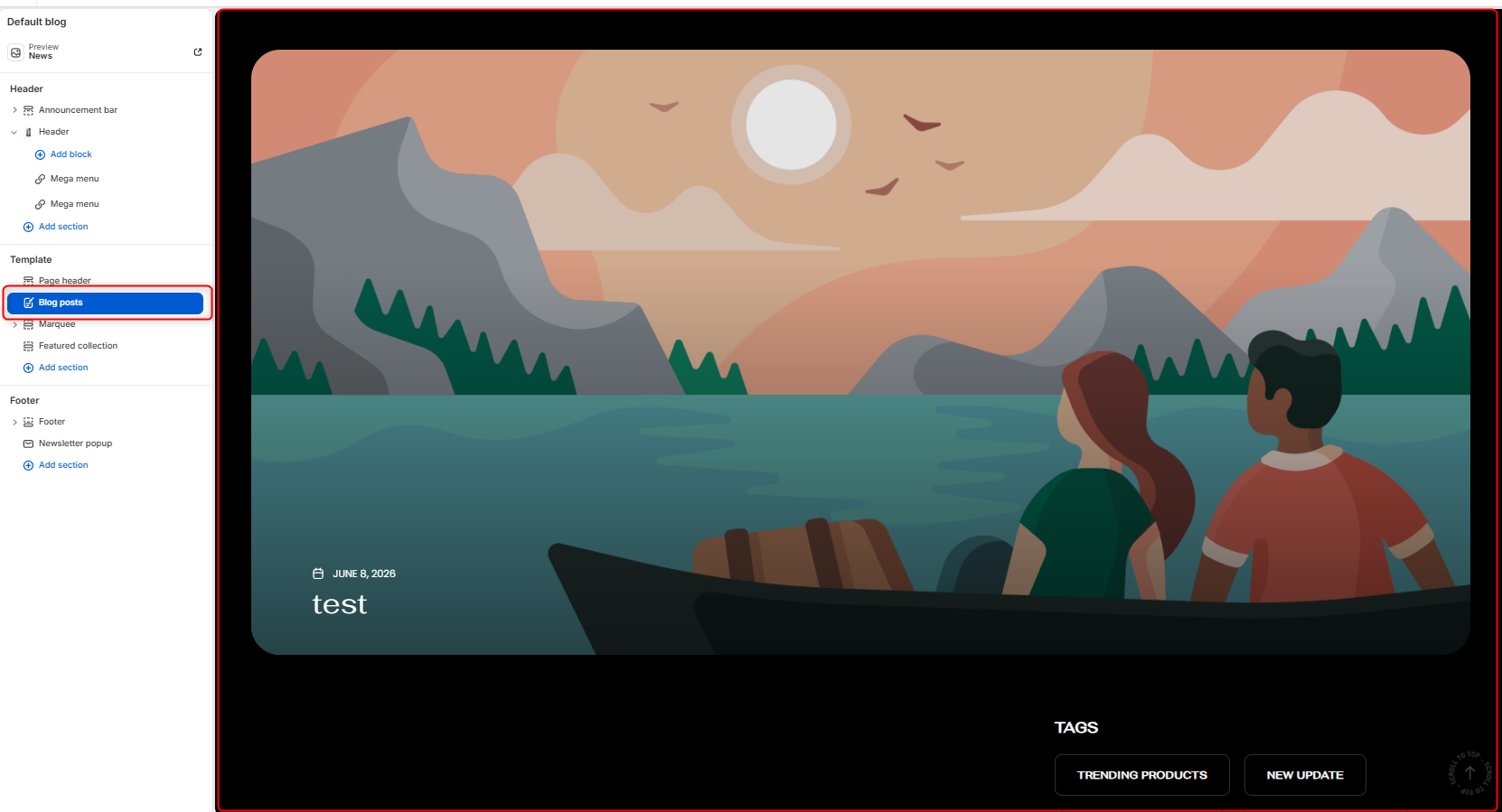
The Blog Posts section displays blog articles in a visually engaging layout, allowing merchants to highlight recent articles.
Blog Posts Settings
General Settings
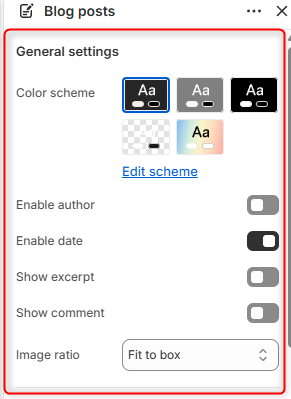
- Color Scheme- Edit or choose the color palette to be applied throughout the Blog Posts section.
- Enable Author– Determines whether to render the article’s author name or not.
- Enable date– Determines whether to render the article publication date or not.
- Show Excerpt- Select either to enable or disable the Excerpt on the blog post.
- Show Comment– Select either to enable or disable the Comment Count on the blog post.
- Image ratio– Determines how article featured images are displayed. Fit to box scales and crops the image as needed so that it fills the available image area. Adaptive Image, on the other hand, displays the image using its original aspect ratio without forcing it into a fixed frame.
Border radius
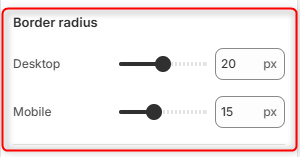
Desktop: Determines the roundness of the blog post image edges on desktop screens.
Mobile: Determines the roundness of the blog post image edges on mobile screens.
Sidebar settings
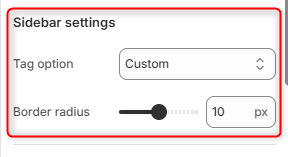
Tag Option: Determines how the blog tags are generated and displayed. Custom allows you to manually create and manage your own tags using the individual tag settings below. Dynamic on the other hand relies on tags already set in the individual blog posts.
Border radius: Controls the roundness of the tag buttons.
Tags (1st Tag, 2nd Tag, 3rd Tag, and 4th Tag)
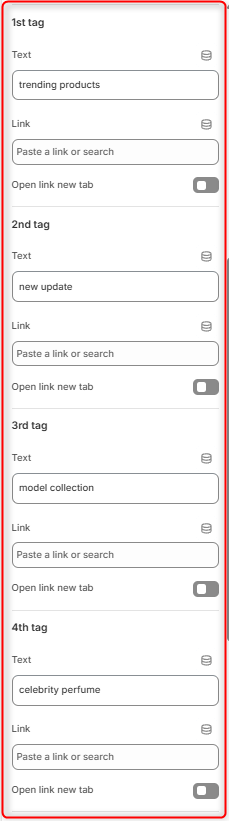
The four tag areas allow you to configure up to four custom tag buttons that appear within the blog area. These tags can be used to highlight important topics, categories, collections, products, or promotional content, making it easier for visitors to discover relevant content.
Text: Defines the label displayed on the tag button.
Link: Specifies the destination when the tag button is clicked.
Open Link in New Tab: Determines how the tag link is opened.
Trending Post
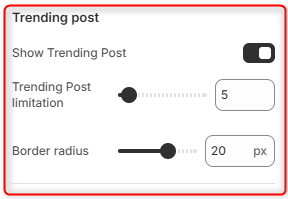
Show Trending Post: Controls the visibility of the trending post(s). The theme automatically identifies trending articles based on their tags. Blog articles assigned the tag ‘trending’ are the ones that will be included in the Trending Post section.
Trending Post Limitation: Determines the maximum number of trending posts displayed.
Border Radius: Controls the roundness of the trending posts images.
Popular product
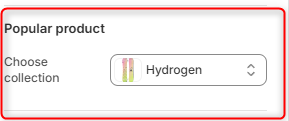
Choose Collection: Enables you to selects the collection whose products will be displayed in the Popular products area.
Spacing desktop
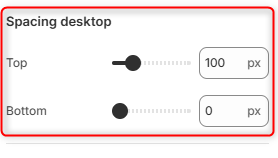
Top: Adds space above the Blog Posts section on desktop screens.
Bottom: Adds space below the Blog Posts section on desktop screens.
Spacing mobile
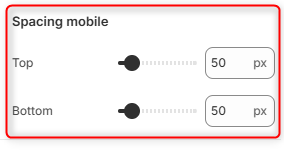
Top: Adds space above the Blog Posts section on mobile screens.
Bottom: Adds space below the Blog Posts section on mobile screens.