

Location- Customiser > Template > Brand Logos
Brand Logos Overview

The Brand Logos section enables you to showcase and highlight the logos of partner brands or suppliers directly on your storefront.
Brand Logos Settings
General Settings
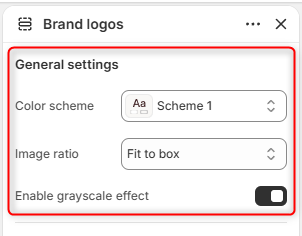
- Color Scheme: Enables you to customize and select the color scheme applied to the entire section, including text, buttons, and other design elements.
- Image ratio: Controls how logo images are displayed within their containers. Fit to Box ensures each logo fits neatly within the available container space while maintaining its proportions, whereas Adaptive Image ratio displays logos using their original image dimensions and aspect ratios.
- Enable Grayscale Effect: When enabled, logos are displayed in grayscale. This can create a cleaner and more uniform visual appearance across logos with different colors.
Border Radius
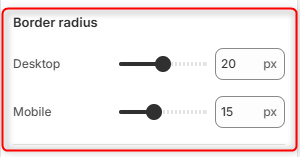
Desktop: Adjusts the corner rounding of logo containers on desktop devices.
Mobile: Adjusts the corner rounding of logo containers on mobile devices.
Section spacing (desktop)
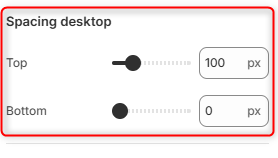
Top: Controls the amount of spacing above the Brand Logos section on desktop devices.
Bottom: Controls the amount of spacing below the Brand Logos section on desktop devices.
Section spacing (mobile)
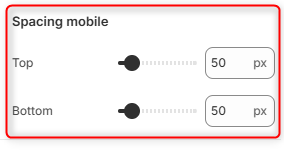
Top: Controls the amount of spacing above the Brand Logos section on mobile devices.
Bottom: Controls the amount of spacing below the Brand Logos section on mobile devices.
Brand Logos Item Block Configuration
The block facilitates the addition of each logo through an individual Item block.
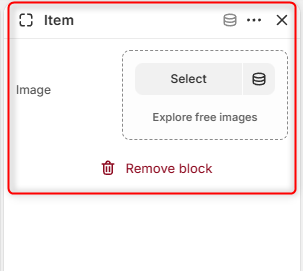
Image: Allows you to upload a logo image to be used by the Brand Logos section.