

Location:- Customizer > Template > Our History
Our History Overview
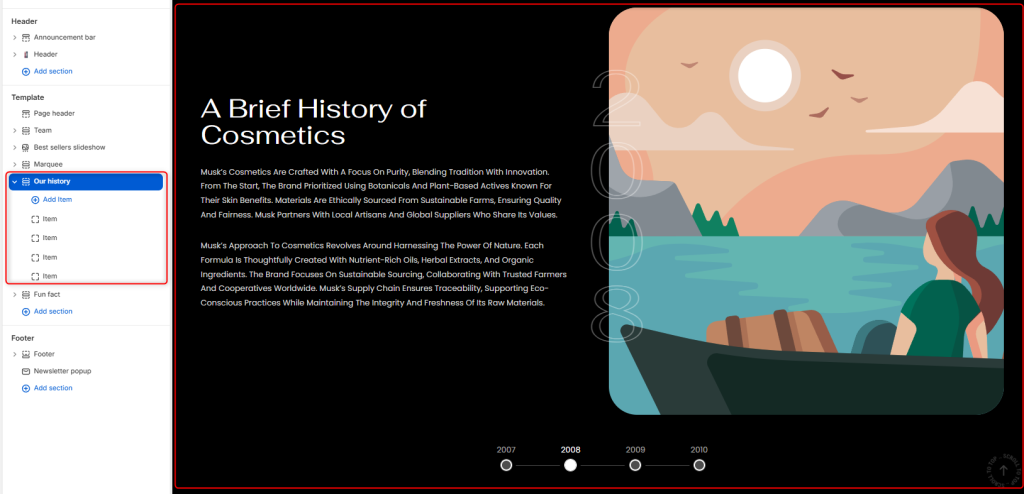
The “Our History” section allows you to showcase your brand’s journey, milestones, and story in a timeline style layout.
Our History Settings
General Settings
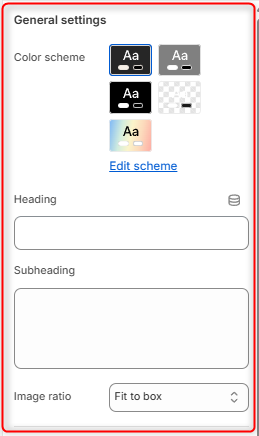
- Color Scheme: Enables you to edit or choose a color palette to apply to the Our History section.
- Heading: Enter the main heading text for the Our History section.
- Subheading: Here you can add supporting content that is to be rendered beneath the heading.
- Image ratio: Controls how the Our History section images are displayed within the container.
Border radius
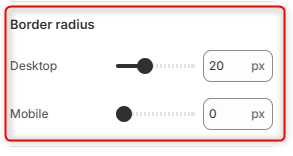
Desktop: Adjusts the roundness of the image corners on desktop.
Mobile: Controls the roundness of the image corners on mobile.
Spacing (desktop)
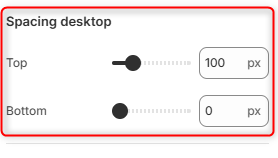
Top: Adjusts the amount of space above the Our History section on desktop devices.
Bottom: Controls the amount of space below the section on desktop devices.
Increasing this value creates more separation from surrounding sections.
Spacing (Mobile)
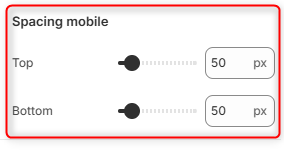
Top: Helps in adjusting the amount of space above the section on mobile devices.
Bottom: Adjusts the amount of space below the section on mobile devices.
Our History Item Block Configuration
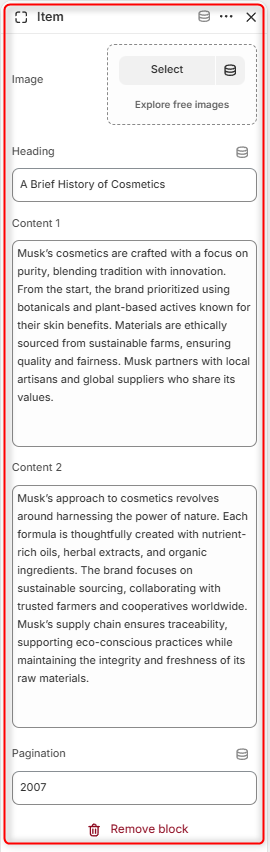
The Item block represents an individual milestone or chapter within the Our History section. Each block allows you to pair an image with descriptive content and a timeline marker, helping you build a compelling visual story of your brand’s journey. You can use multiple Item blocks to showcase important events, achievements, or periods in your company’s history.