

Location: Customizer > Footer > Footer
Footer Overview
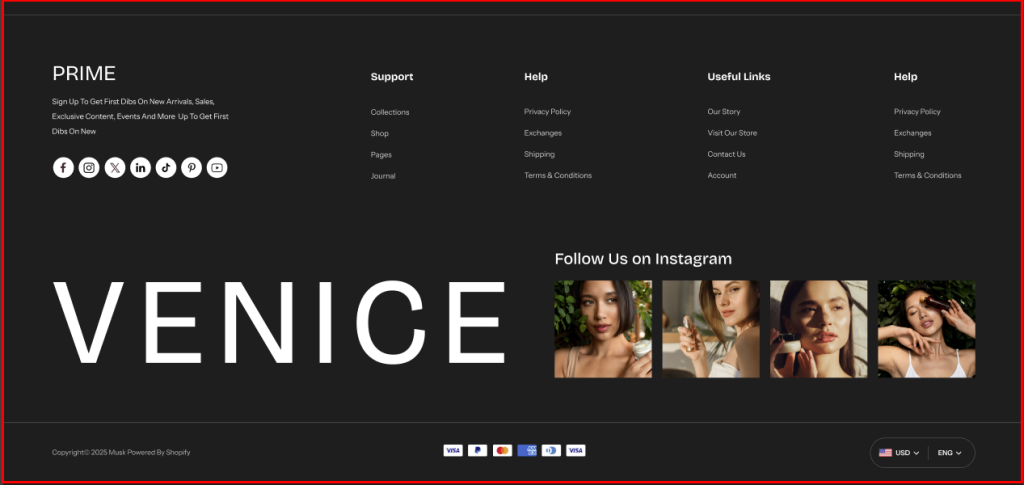
This section is located at the bottom of the storefront and acts as a key area to provide customers with essential links, social info, social media, contact details, newsletter sign-ups, and additional resources.
Footer Settings
General Settings
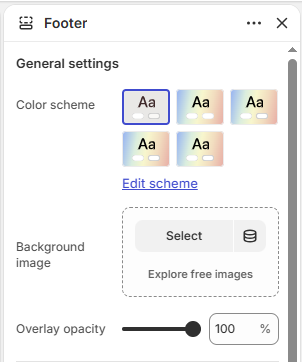
- Color Scheme : Allows you to customize and choose a color palette to style the footer background and text.
- Background Image : Upload the image that will act as the background to the footer section.
- Overlay Opacity : Controls the opacity of the background overlay displayed above the footer background image.
Border radius
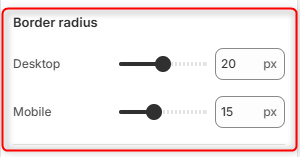
Desktop: Adjusts the corner rounding of the footer containers on desktop devices.
Mobile: Adjusts the corner rounding of the footer container on mobile devices.
Store Branding
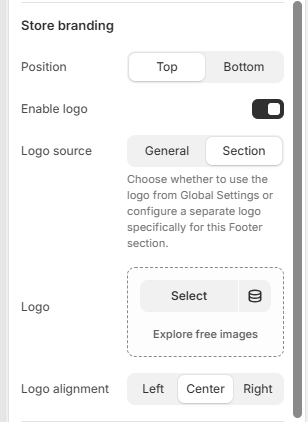
The Store Branding settings allow you to customize the logo placement and appearance in the footer.
Position
Choose where the store branding appears within the footer.
- Top – Displays the store branding at the top of the footer.
- Bottom – Displays the store branding at the bottom of the footer.
Enable Logo
Turn the logo display on or off in the footer.
Logo Source
Choose the source of the logo displayed in the footer.
- General – Uses the logo configured in the theme’s Global Settings.
- Section – Allows you to select a different logo specifically for the footer section.
Logo
Select the logo image to display when Section is selected as the logo source.
Logo Alignment
Choose how the logo is aligned within the footer.
- Left
- Center
- Right
Footer bottom
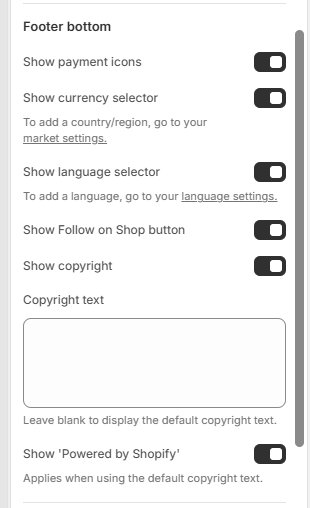
Show Payment Icons: When enabled, payment method icons are displayed in the footer.
Show Currency Selector: When enabled, a currency selector is displayed in the footer.
Show Language Selector: When enabled, a language selector is displayed in the footer.
Show Follow on Shop Button: When enabled, the Follow on Shop button is displayed in the footer.
Show Copyright: When enabled, the copyright text is displayed in the footer.
Copyright Text: Add custom copyright text to be displayed in the footer. Leave blank to use the default copyright text.
Show “Powered by Shopify”: When enabled, the “Powered by Shopify” text is displayed in the footer. This applies when using the default copyright text.
Padding
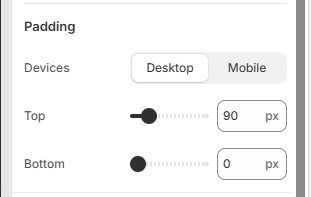
Devices: Choose whether to configure padding for Desktop or Mobile devices.
Top: Set the top padding of the footer section in pixels.
Bottom: Set the bottom padding of the footer section in pixels.
Footer Blocks Configuration
Social Info
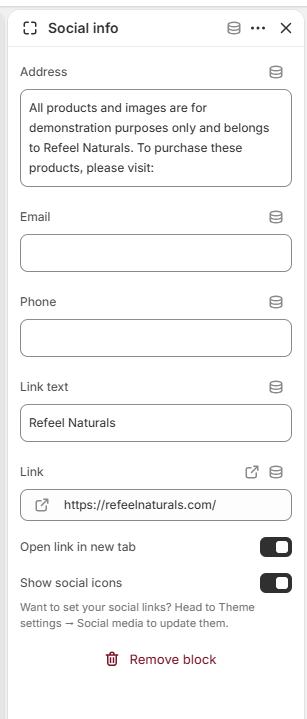
The Social Info block allows you to display your store’s contact information.
Menu List
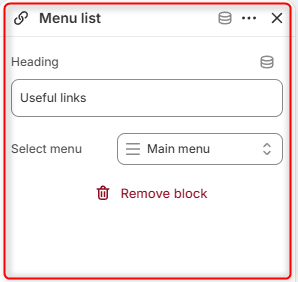
Enables you to select and display a navigation menu within the footer. Within the Heading field you can set the title you wish to be displayed above the menu.
Newsletters
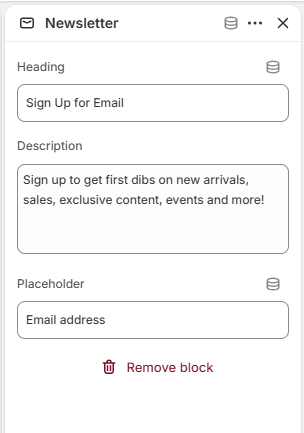
Displays an email subscription form that allows customers to subscribe to your mailing list.
Store Information
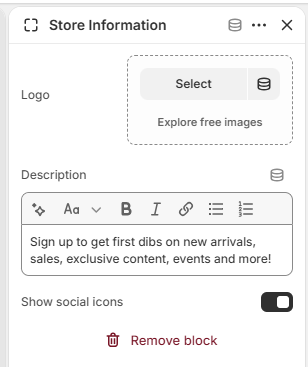
The store information block allows you to display your store’s information.
Social media
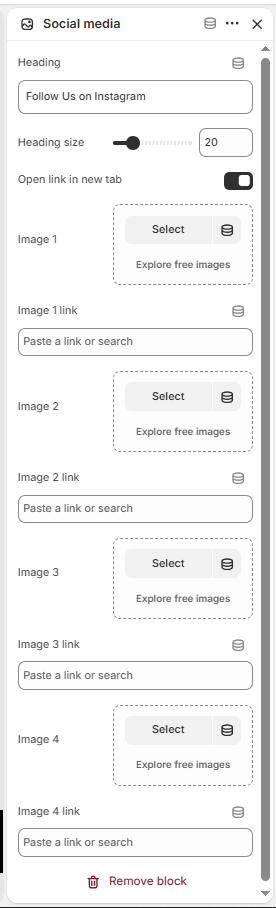
The Social Media block allows you to display social media images and links in the footer.