

Location- Customiser > Template > Collapsible
Collapsible Overview
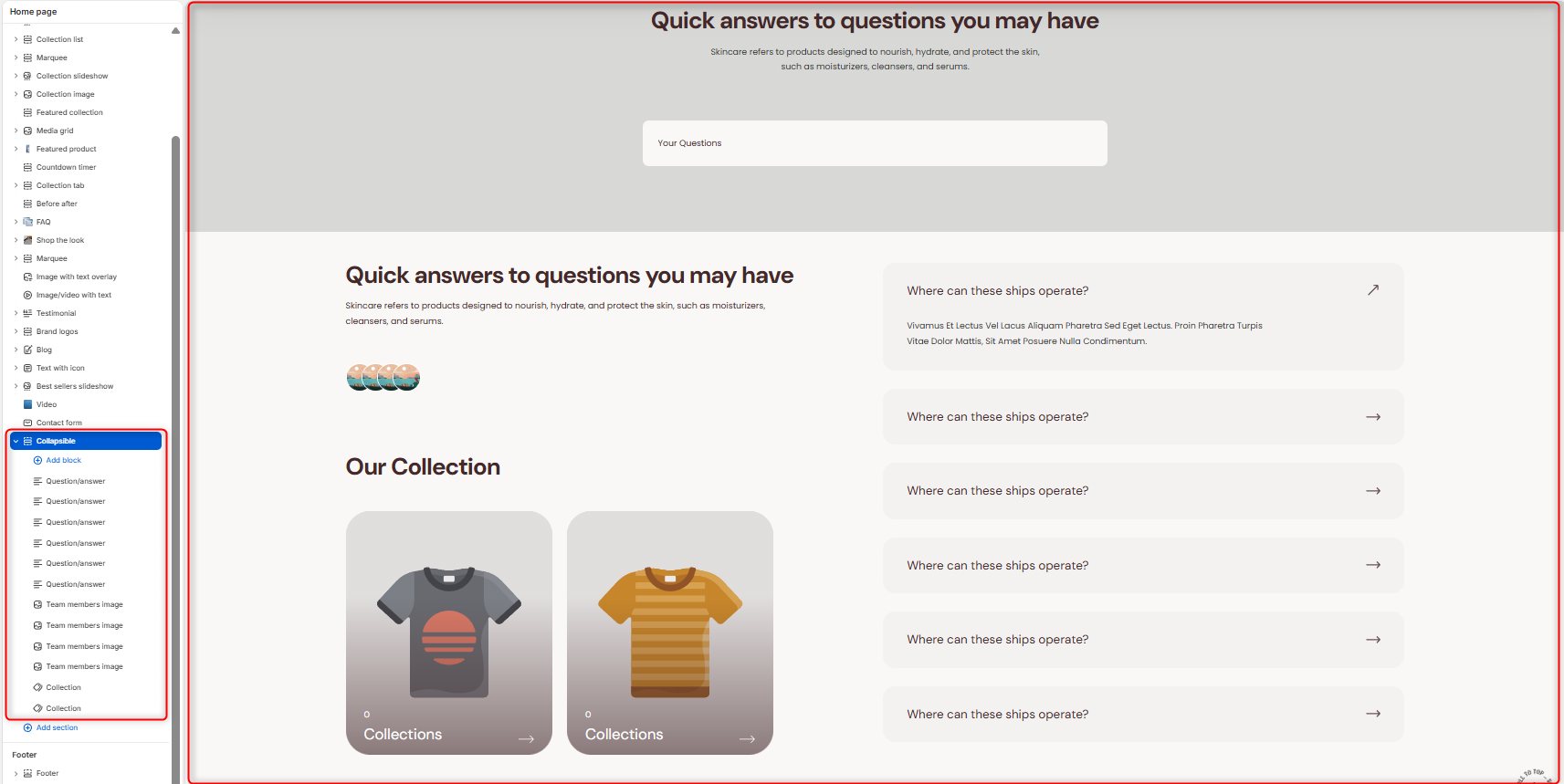
The Collapsible section allows you to create an interactive FAQ experience with searchable question-and-answer items. In addition to the collapsible content, you can display supporting images, team member avatars, and featured collections to create a more engaging and informative help section.
Collapsible Section Settings
Section Setting
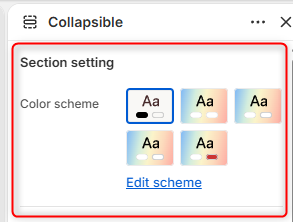
- Color Scheme: Enables you to edit and select the color scheme applied to the entire Collapsible section.
Search
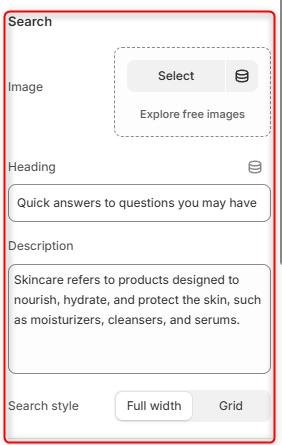
- Image: This field enables you to upload an image to display within the search area.
- Heading: Allows you to define the title displayed above the search field.
- Description: Here you can add supporting text that provides additional context or introductory information.
- Search style: Controls the layout of the search area.
FAQ
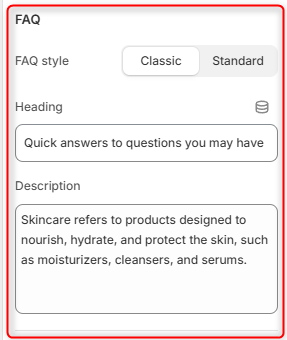
- FAQ Style: Controls the appearance of the collapsible question-and-answer items.
- Heading: Defines the title displayed above the FAQ content area.
- Description: Enables you to add supporting text that introduces the FAQ content.
Collection
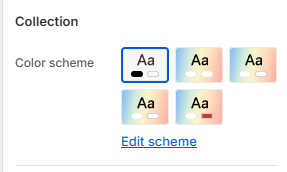
- Color Scheme: Allows you to edit and select the color scheme applied to the collapsible section.
Border radius
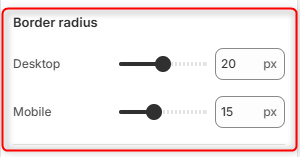
Desktop: Adjusts the corner rounding of cards, images, collection cards, and collapsible containers on desktop devices.
Mobile: Adjusts the corner rounding of cards, images, collection cards, and collapsible containers on mobile devices.
Spacing Desktop
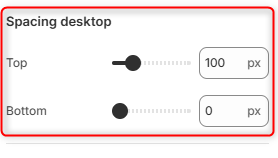
Top: Controls the amount of spacing above the Collapsible section on desktop devices.
Bottom: Controls the amount of spacing below the Collapsible section on desktop devices.
Spacing (Mobile)
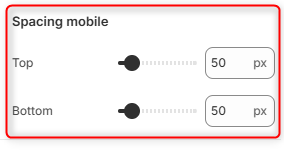
Top: Controls the amount of spacing above the Collapsible section on mobile devices.
Bottom: Controls the amount of spacing below the Collapsible section on mobile devices.
Configuring Collapsible section Blocks
Question/Answer
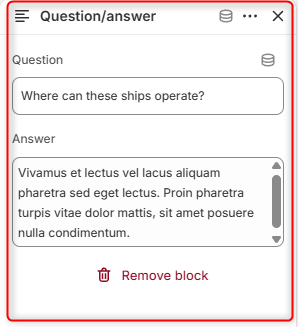
Enables you to add the FAQ item to the section.
Team Members Image
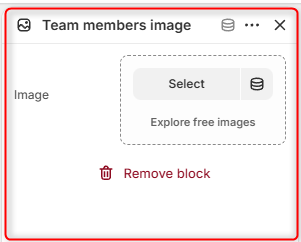
The Team Members Image block allows you to display team member avatars or supporting images within the Collapsible section.
Collection Block
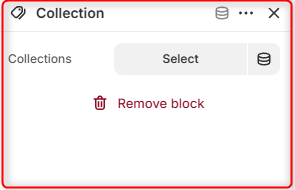
The Collection block allows you to display collections next to the FAQ content on the section.