

Location- Customiser > Template > Essential Beauty Basics
Essential Beauty Basics Overview
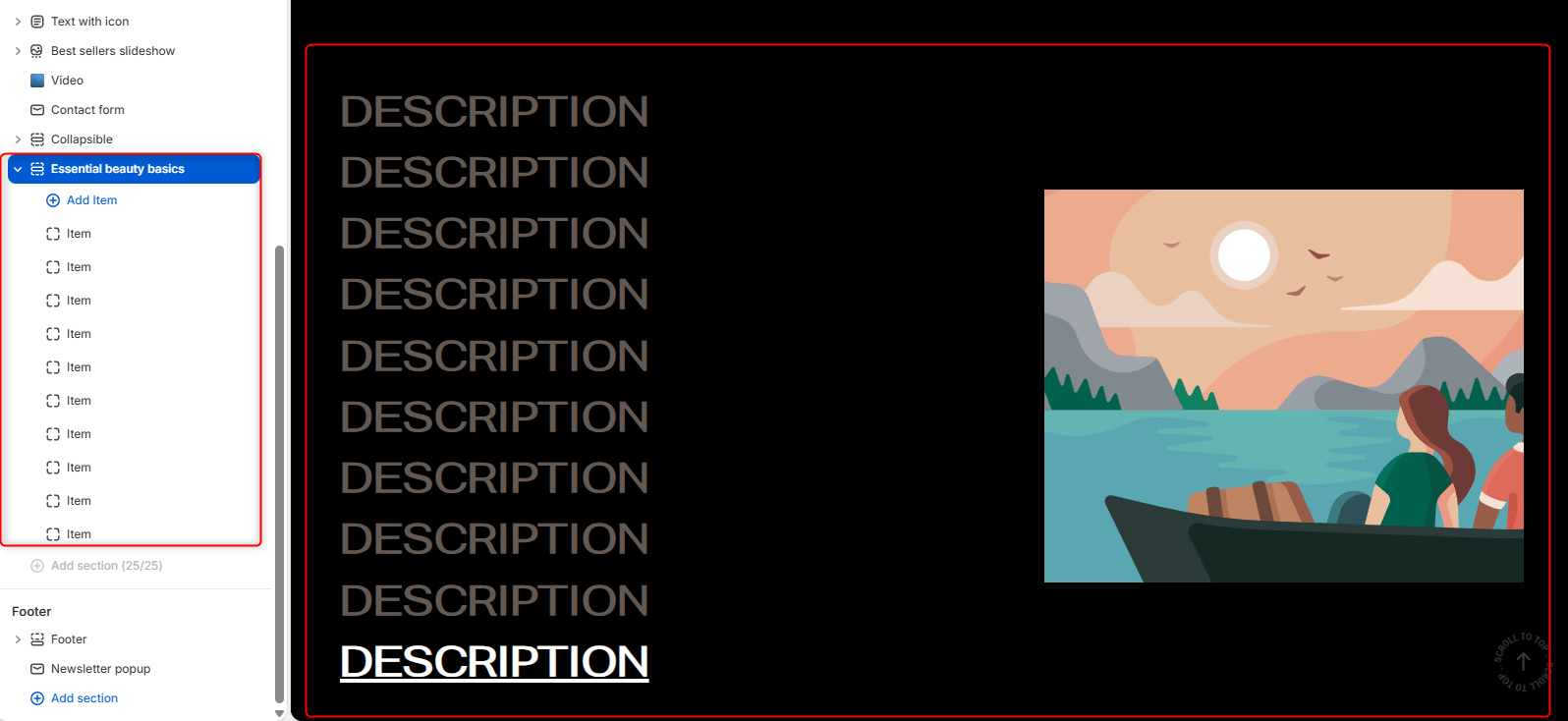
The Essential Beauty Basics section showcases a curated list of beauty categories, features, or highlights alongside supporting imagery. Each item can include a title and image, making it ideal for presenting core product categories, educational content, or key brand pillars in an engaging, image-focused layout.
Section settings
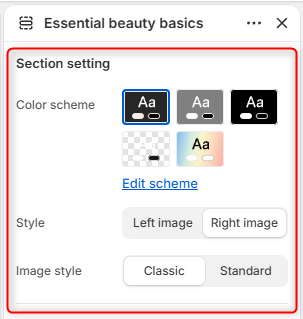
Color Scheme: Enables you to edit and select the color scheme applied to the entire Essential Beauty Basics section.
Style: Controls the position of the image relative to the list of items.
Image style: Determines the presentation style of the displayed image and contents.
Border radius
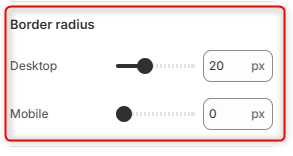
Desktop: Adjusts the corner rounding of images in the in the section on desktop devices.
Mobile: Adjusts the corner rounding of images in the section on mobile devices.
Spacing desktop
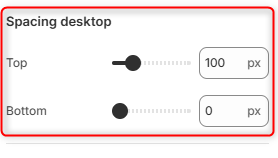
Top: Controls the amount of spacing above the Essential Beauty Basics section on desktop devices.
Bottom: Controls the amount of spacing below the Essential Beauty Basics section on desktop devices.
Spacing mobile
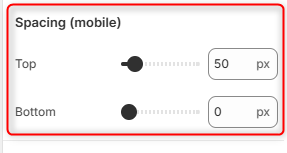
Top: Controls the amount of spacing above the Essential Beauty Basics section on mobile devices.
Bottom: Controls the amount of spacing below the Essential Beauty Basics section on mobile devices.
Item Block
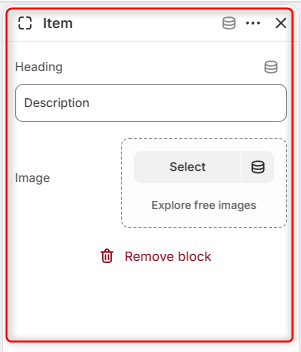
Each entry within the Essential Beauty Basics section is added through an individual Item block. Items are displayed as selectable entries alongside the accompanying image.