

Location- Customiser > Template > Collection Image
Collection Image Overview
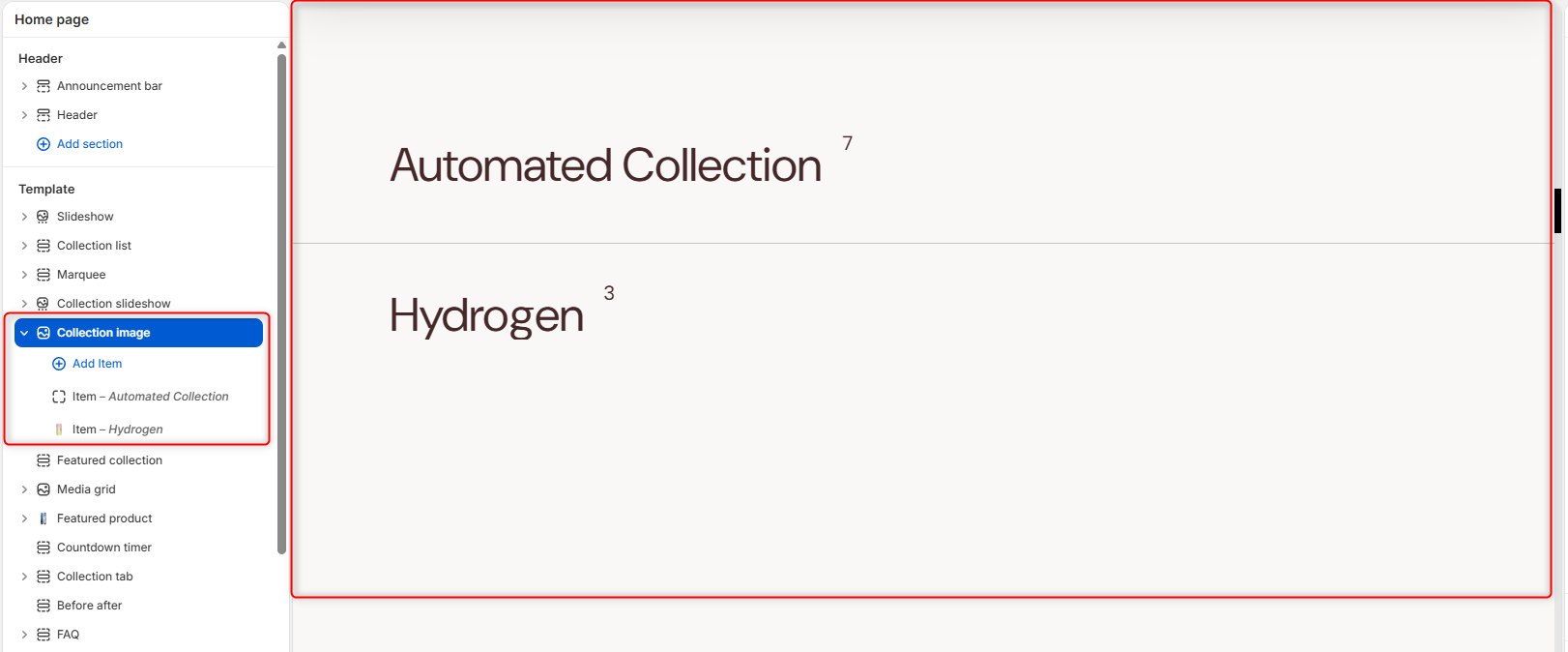
This section is used to render different collections added to the section, and their respective featured images upon hover, thereby enabling customers to visually identify the collection on your page.
Collection Image Settings
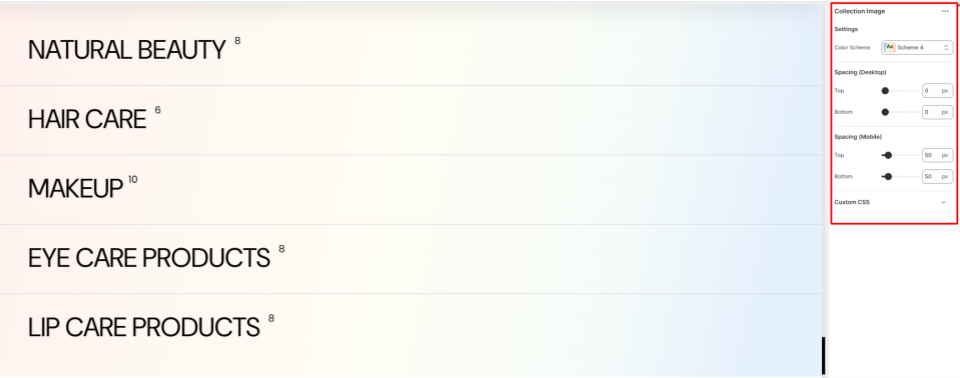
Settings
- Color Scheme: Within this field, you can select and customize the color scheme applied to the Collection Image section.
- Style: Choose the background display style used for the collection image section.
Border Radius
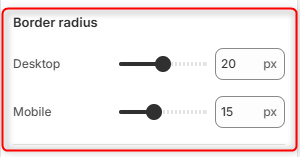
Adjusts the corner rounding of collection images on desktop devices.
Spacing (desktop)
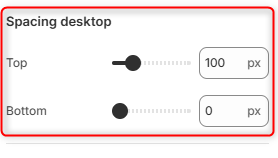
Controls the amount of space above the Collection Image section on desktop devices.
spacing (mobile)
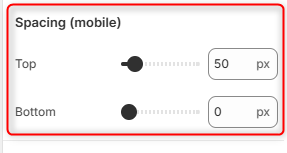
Controls the amount of space below the Collection Image section on mobile devices.
Configuring the Collection Image Item Block
Item Block
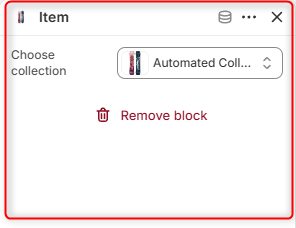
This block enables you to set the collection to be rendered within the Collection Image block.