

Location- Customiser > Template > Essential Beauty Basics
Essential Beauty Basics Overview
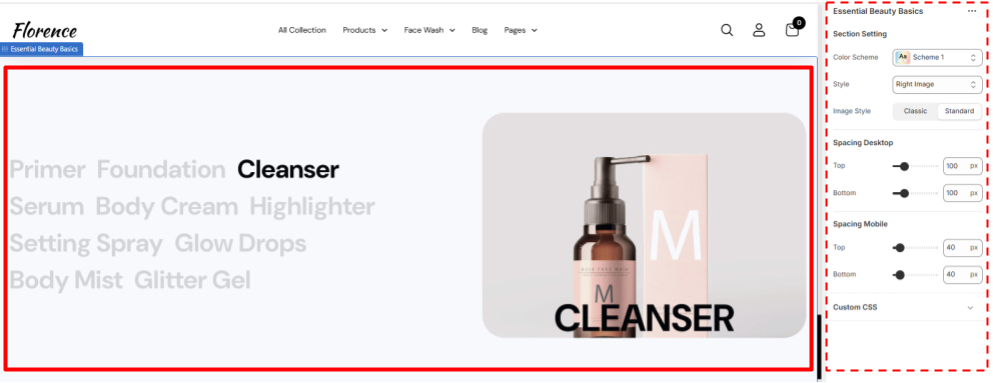
This Section allows you to highlight your products at one place with one side as their name and other aside as their images
This section has 2 Sub sections first one is the names side by side and other is the images of the products the name you hover, the image will change accordingly
Essential Beauty Basics Settings
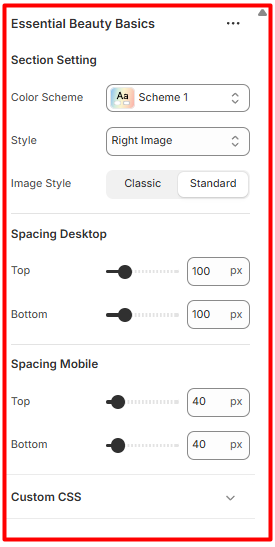
Section Setting
- Colour Scheme- Select the Desired colour scheme you want to reflect on this section.
- Style – Select the position of the image either on left or right.
- Image Style- Select the style of the image either the standard or classic style.