

Location- Customiser > Footer > Footer
Footer Overview
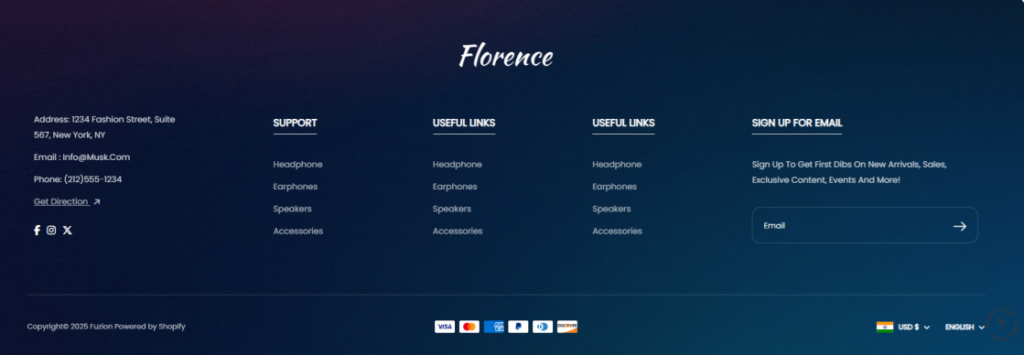
This section is located at the bottom of the storefront and acts as a key area to provide customers with essential links, social info, contact details, and additional resources.
Footer Settings
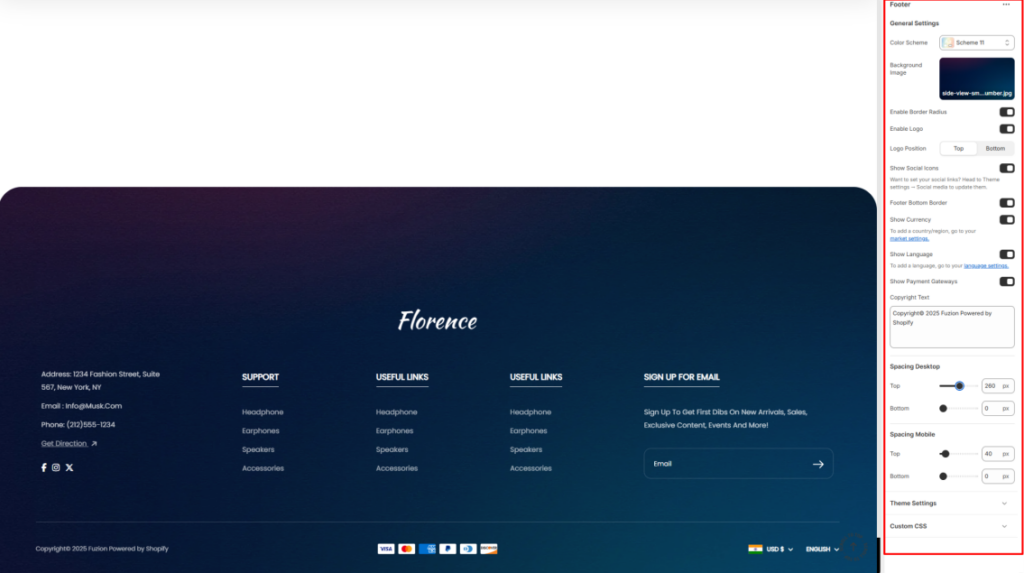
- Color Scheme: Here, you can choose a predefined color palette to style the footer background and text.
- Background Image: Upload the image that will act as the background to the footer section.
- Enable Border Radius: When enabled, it renders round corners around the footer section.
- Enable Logo: This setting can be enabled to display the logo defined in your theme settings within the footer.
- Logo Position: Enables you to specify where the logo should be rendered. Either on the top or the bottom of the footer.
- Show Social Icons: This option facilitates the display of linked social media icons that you have configured in the Theme Settings.
- Footer Bottom Border: Toggles the display of a separating border line at the bottom of the footer.
- Show Currency: Adds a currency selector that customers can use.
- Show Language: Adds a language selector that customers can use.
- Show Payment Gateways: When enabled, it displays supported payment method logos.
- Copyright Text: Here you can add custom copyright text to appear at the bottom of the footer.
Spacing Desktop and Mobile
Controls the top and bottom padding of the footer section within Desktop and Mobile views.