

Location- Customiser > Template > Icon With Text
Icon With Text Overview
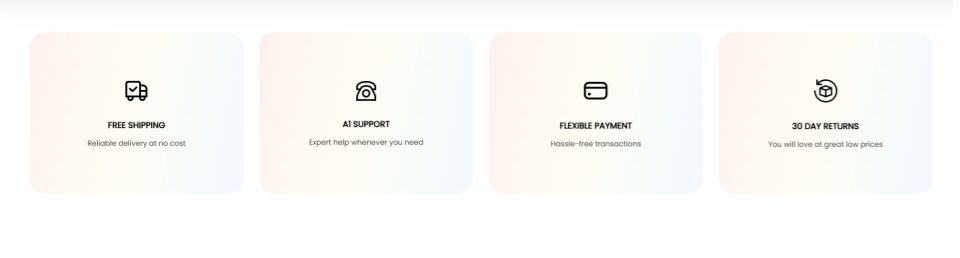
This section is used to highlight important features relating to your store, such as shipping, payments, and refunds, using a combination of icons and text.
Icon With Text Settings
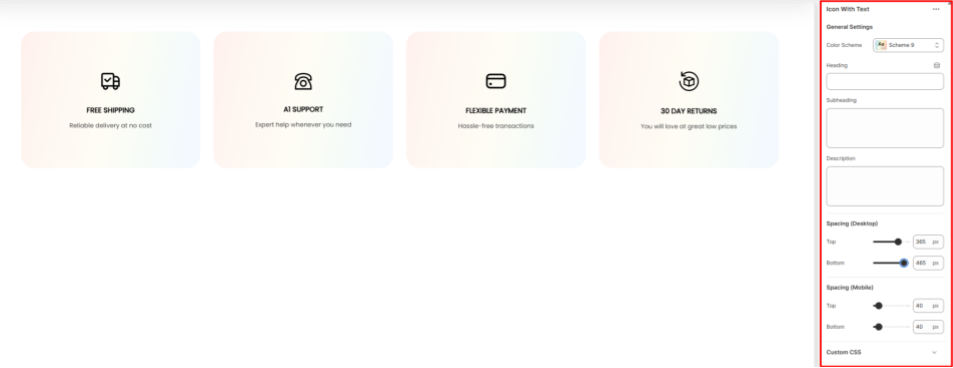
General Settings
- Color Scheme: Enables you to choose a predefined color palette to apply to the Icon with Text section.
- Heading: Here you can add the primary heading text to the Icon With Text section.
- Subheading: Within this field, you can add supportive text to be rendered above the heading text.
- Description: Here, you can add descriptive content to elaborate on the features being highlighted in the Icon With Text section.
Spacing (Desktop and Mobile)
Controls the spacing above and below the Icon With Text section in both desktop and mobile views.