

The Social Media settings allow you to customize the appearance of your social icons and add links to your social media profiles.
Steps
- In the theme editor (Customize), click Theme settings.
- Select Social media.
- Customize the available social media options.
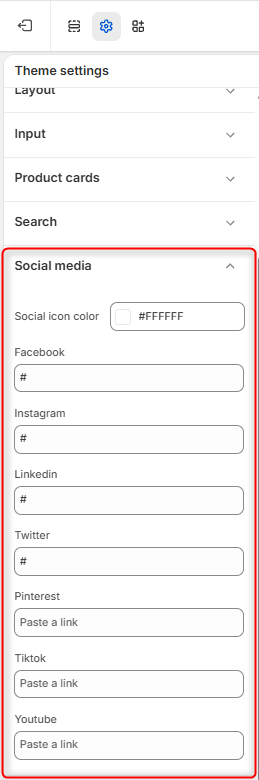
Social Icon Color
Use the Social icon color option to choose the color of the social media icons displayed throughout your store.
Social Media Links
Add the URL to each of your social media profiles in the corresponding field.
The available platforms include:
- TikTok
- YouTube
Enter the full URL of your profile or page for the platforms you want to display. Leave a field empty if you do not want that social media icon to appear.
After adding or updating your links, click Save to apply the changes.